


If you invested through Honeycomb Credit, mark your calendar. Honeycomb is closing its website for investors on Thursday, December 3, at 4 p.m. Eastern. After that, you can’t download your records.
You can bring those records to the SuperCrowd Impact League. We read your files and add your loans and payments to your portfolio, so you can see what has come back to you and what is still due. You can also download everything in PMRS, the Private Market Reporting Standard from the Crowdfunding Professional Association.
Using our PMRS-compatible portfolio tracker is completely free. In the future, we may charge a fee for upgraded activity tracking.
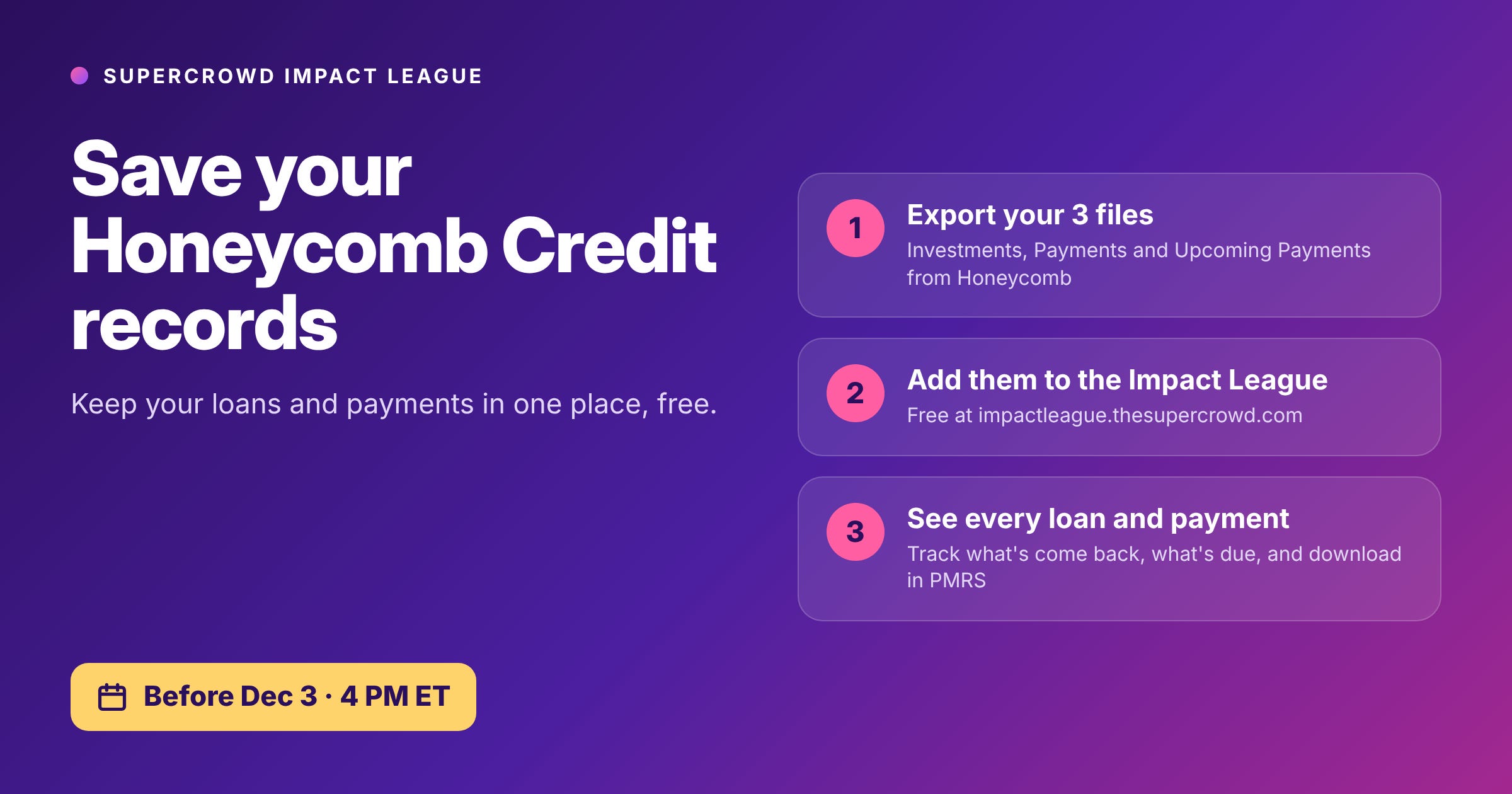
Part 1: Save your records from Honeycomb
Use a computer for this part, not a phone.
1. Sign in at invest.honeycombcredit.com and go to your Portfolio.
2. Click “View/download all investment and payment details.”
3. On the Investments tab, click “Export data.” Do the same on the Payments tab and on the Upcoming Payments tab. Now you have three files in your Downloads folder.
4. Check that all three files are there before you move on. You can’t get them back after December 3.
Part 2: Add them to the Impact League
5. Go to impactleague.thesupercrowd.com. Click Register to join for free, or sign in if you already have an account.
6. Click “My portfolio” at the top of the page. Look for the box that asks, “Did you invest through Honeycomb Credit?”
7. Click the button to choose files, pick your three Honeycomb files, and click “Add my files.” You can add them all at once.
That’s it. We read your files and add your loans and payments to My portfolio right away, and we email you a receipt. To see each loan, the payments still to come and the money paid back so far, click “See what we added.” For a copy in the Crowdfunding Professional Association’s Private Market Reporting Standard or PMRS format, click “Download my files.”
A few things to know:
• Your files are private. Only you can open them on this page. Our team looks at your Investments file only to check a new investment. We never share your files.
• Payments by company. Right now, Honeycomb’s Payments download leaves out which company sent each payment, so we keep those payments together as one total. If Honeycomb fixes its download before December 3, save a new copy and add it. We’ll sort your payments by company.
• Got an update? If Honeycomb updates your records before December 3, save new copies and add them too. A file you already added won’t be counted twice.
• Invested on other websites too? A second box on My portfolio takes lists you keep yourself and downloads from other investing websites.
Please save your files this week, even if you add them to the League later.
Questions? Just reply to this email or leave a comment, and I’ll help you get your records saved.